Hit the Road Dude AI template: cuts, credits and examples
Here, a template is a prepared pickup-scene workflow. You supply one photo and choose a cut; you do not upload a reference video or write a prompt. This page separates the available options from the short examples we can show.
Last updated:
Published and maintained by Hit The Road Dude AI, the independent service behind this generator. Questions or a correction? Contact support
Choose a cut
Compare the configured template lengths and credits. The labels are not exact promises for the finished runtime. No prompt, reference-video upload or extra generation is needed to read this guide.
| Template option | Credits per video | What to consider |
|---|---|---|
| 10 s | 10 credits | A short reaction for a quick reply. Compare the existing short samples before choosing. |
| 15 s | 15 credits | The default option if you want a longer exchange than the short samples. |
| 30 s | 30 credits | The longest template option. It costs more credits; no matching full-length sample is published here yet. |
Existing short examples
These files demonstrate short examples only. They do not verify every duration, identity or gesture. There is no free personalized preview.


What the template sets, and what you choose
The template sets the pickup scene, reference movement and audio. You choose an allowed photo and a length option. It is not a video editor: it does not offer new dialogue, custom scenes or a voice menu.
The familiar beat is the disagreement over “state property” and the driver’s dismissal. This guide does not claim an exact word-by-word timeline for every available cut.
What these examples can tell you
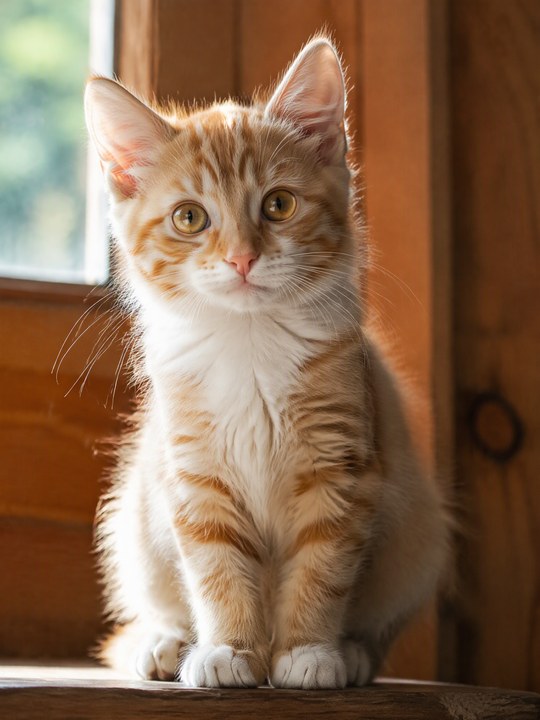
The human, cat and dog examples are existing short outputs with their actual file lengths and sizes shown below. There is no published person-by-pet comparison across every longer option, so do not treat these clips as proof of every cut.
An example is not a free personalized preview. Facial details, fur, paws, gestures, framing and runtime can differ in a new generation.
Understand credits before selecting a pack
Credits are charged for the selected template option. Pack credits can be combined and do not expire, but leftover credits smaller than the shortest option cannot generate another video without more credits.
The one-pack explanation is for a single purchase, not a claim that it is the lowest possible total across separate purchases. When a cheaper repeated-pack option is shown, it requires separate checkouts. No purchase happens just by choosing a cut.
Free templates and this paid workflow are different
You can read these instructions and watch existing examples without paying. Generating a new video requires credits; this site does not offer signup credits or a free AI preview.
An editor template, a GIF and an AI-generated remake solve different tasks. Check the current template availability and rights in the editor itself; we do not claim that every external template is free or works the same way.
Prepare your photo and check the result
Choose one clear adult or pet with visible eyes and mouth. Make sure you have the required permission. After generation, inspect the full file rather than assuming a sample proves your outcome.
Ready to make your version?
Make my version